10 admin jobs every physio clinic can automate
A small physio clinic runs on two things at once: hands-on time with patients, and a steady stream of forms, bookings and follow-ups around it. The clinical work is what you trained for. The admin around it is where a front desk of one or two people quietly runs out of hours.
The admin that fills a front desk's day
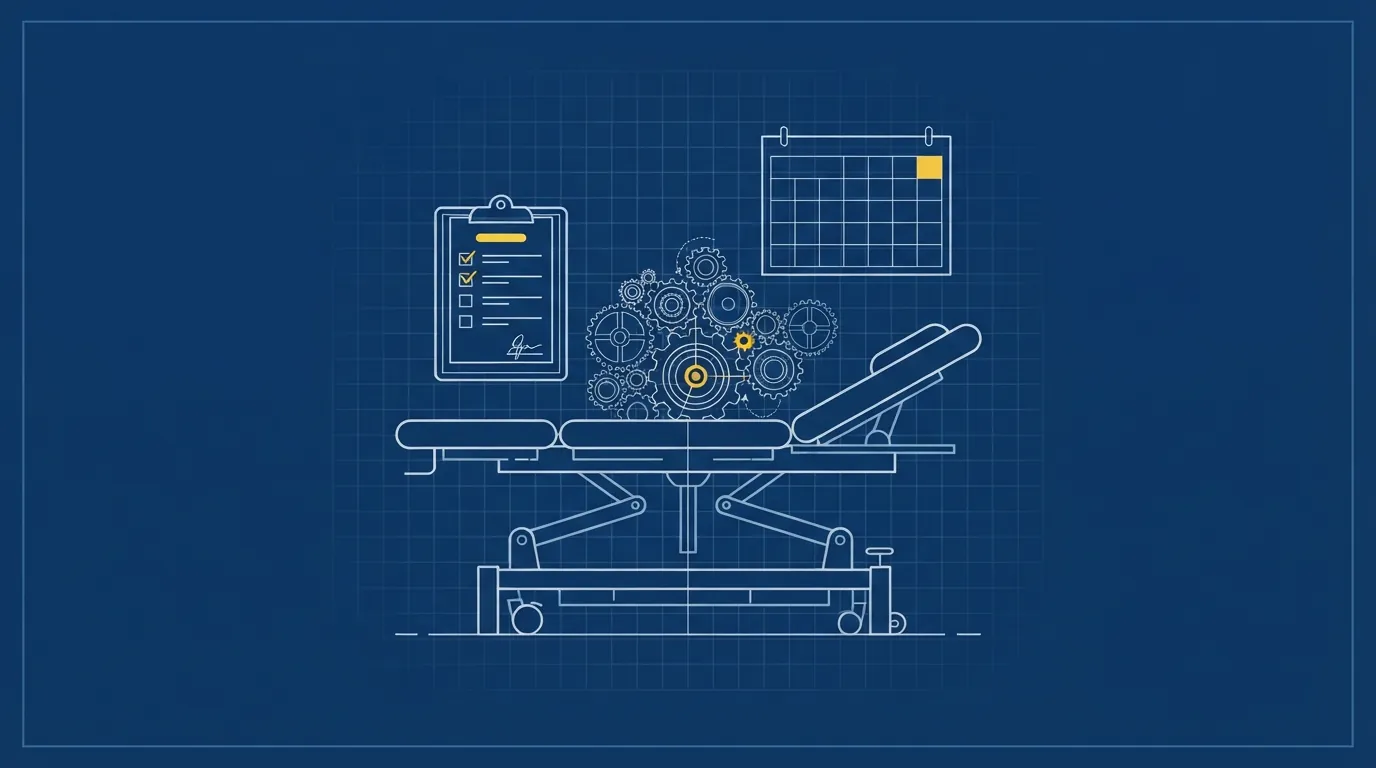
Most small clinics, one to five clinicians and a front desk, already run on practice software like Cliniko to manage the appointment book and clinical notes. That is the easy part. What eats the day is everything around it: the intake form chased by phone, the reminder typed out by hand, the patient who should have rebooked weeks ago and did not.
Below are ten admin jobs we see physio and allied health clinics doing by hand, and what automating each one looks like in practice. You do not need all ten at once. Most clinics start with the one causing the most friction and add the rest over time.
The 10 jobs, and what automating each one looks like
- New patient intake and consent. Handing a clipboard to a nervous new patient, then retyping it into the notes, costs time twice. Sending the intake form and consent form to a patient's phone the moment they book means it is filled in and signed before they walk in, not in the waiting room.
- Booking initial and follow-up consults. Phone tag to book a follow-up before the patient has even left the building is common and avoidable. Online bookings let a patient pick a time against your real appointment book, including the right slot length for an initial versus a follow-up.
- Appointment reminders. A reminder text the day before cuts down on the blank slot nobody warned you about. Automated reminders send on their own, on a schedule you set, so the front desk is not working through tomorrow's list by hand.
- No-shows and late cancellations. A patient who does not show up is a slot that cannot be filled on short notice. A clear reminder with an easy way to reschedule, plus a record of who cancelled and when, makes the pattern visible instead of just annoying.
- Filling cancelled slots from a waitlist. When someone cancels, the gap usually sits empty unless someone remembers who wanted an earlier time. A waitlist that fills gaps automatically offers the slot to the next patient in line, so a cancellation is not wasted clinic time.
- Answering the phone when the desk is busy. Reception is often one person covering the desk, the phone and patients walking in. An AI receptionist can answer in a natural voice, deal with common questions, take a message and book a job in where your calendar allows it, then text the desk a summary so nothing is missed.
- Exercise program follow-ups. Checking in on whether a patient is doing their home exercises, or how they are tracking between sessions, is easy to mean to do and hard to fit in. An automated check-in message a few days after a session keeps that contact happening without someone remembering to send it.
- Recall reminders. Patients who finished a program but should check in again in a few months tend to drift away quietly. A recall nudge, timed to when a patient was told to come back, brings them back into the book instead of relying on them to remember.
- Invoices and paperwork. Typing up invoices and receipts by hand, then filing them for the books, is time that does not touch a single patient. Feeding invoices and receipts into Xero or MYOB as they are raised means the record exists the moment the paper does.
- End of day reporting. Pulling together how many patients were seen, what filled and what did not, usually happens from memory or a scramble through the day's notes. A simple end of day summary, built from the bookings already in the system, gives the owner a clear picture without extra typing.
Reminders, recalls and the rules that apply to them
Reminders and recall messages are useful precisely because they are automatic, but that does not put them outside the rules for commercial messages. Under the Spam Act, a commercial email or text needs the recipient's consent, has to clearly identify who sent it, and must include a working way to unsubscribe. Any reminder or recall automation we build is set up with that in mind from the start, not bolted on afterwards.
Most small businesses under $3 million turnover are generally exempt from the Privacy Act, but the OAIC is explicit that health service providers are covered regardless of turnover. If you hold patient health information, that exemption does not apply to your clinic, so intake, consent and storage all need to be handled with that in mind.
What we build, and what we do not
We set up intake forms, consent capture, bookings, reminders, waitlists, recall nudges, an AI receptionist, exercise and progress follow-ups, and feeding invoices into Xero or MYOB. Health fund claiming stays with your practice software or claiming provider.
| Admin job | Doing it by hand | Automated version |
|---|---|---|
| New patient intake | Clipboard on arrival, retyped into notes | Form and consent filled in on their phone before arrival |
| Appointment reminders | Front desk calls or texts manually | Reminder texts send automatically on a set schedule |
| Cancelled slots | Gap sits empty unless someone remembers who's waiting | Waitlist is offered the slot automatically |
| Recall nudges | Relies on the patient remembering to rebook | A timed message brings them back into the book |
We also work with the practice software clinics already use, including Cliniko, where it allows it. We check what an app allows before quoting, and sometimes the better deal is keeping it and connecting one or two pieces to it rather than replacing the whole system.
The short version
Ten jobs, one pattern: intake, bookings, reminders and follow-ups that happen the same way every time, and do not need a person to type them out each time. None of it replaces the front desk. It gives the front desk back the hours currently spent on things a patient never sees. If you want to talk through business automation for your clinic, or just want a second opinion on where to start, get in touch and we will work out the one job worth fixing first.